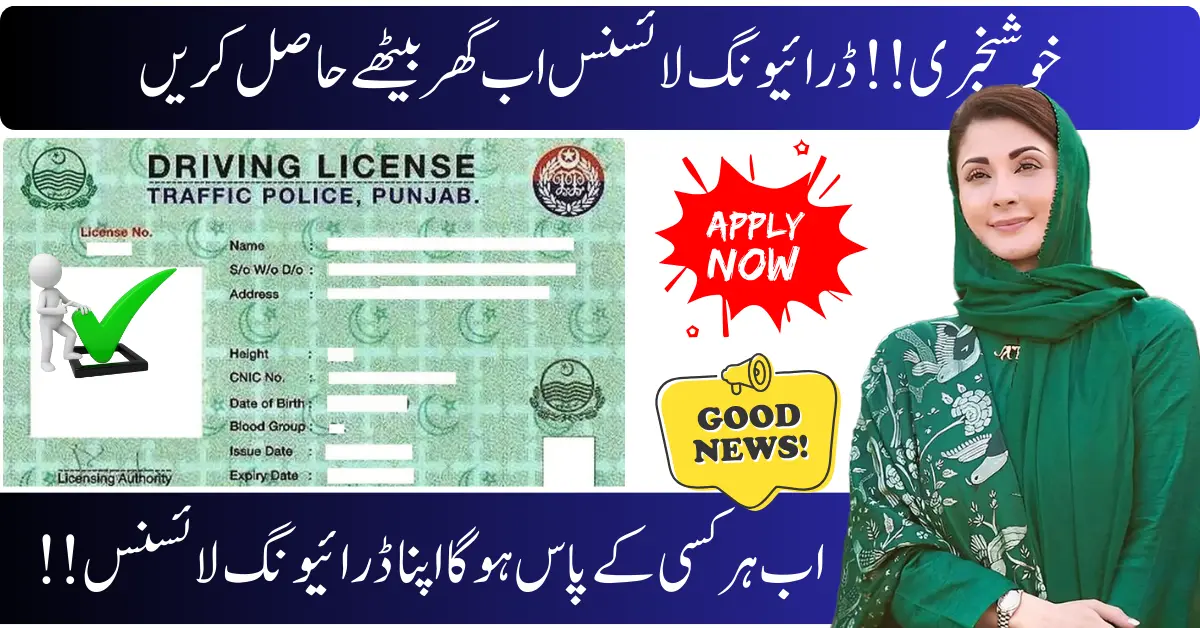
Punjab has taken a major step toward digital governance with the introduction of the Punjab e-License, a fully digital driving license now operational across the province. This initiative is transforming how millions of drivers access and use their driving credentials — quickly, securely, and without the need to visit licensing offices in person.
What Is the Punjab e-License?
The Punjab e-License is a digital version of your traditional driving license, generated through the official Driving License Issuance Management System (DLIMS). It carries the same legal validity as a physical card and can be stored on your phone, printed as a PDF, or scanned using a secure QR code during traffic checks.
Unlike older paper licenses, this digital format means no more waiting for delivery or carrying a physical card at all times.
Purpose of the Scheme
Punjab’s digital driving license system was launched to:
-
Eliminate long queues and repeated physical visits.
-
Reduce paperwork and manual errors.

-
Make license access instant and available 24/7.
-
Bring Punjab in line with global digital license trends.
This step supports transparency and convenience for drivers across the province.
Who Is Eligible?
You can download a Punjab e-License if you:
-
Have a valid permanent driving license registered in Punjab.

-
Your CNIC is linked with the driving license record in the DLIMS system.
-
Your license is active (not expired or suspended).
Note: Learner license holders typically cannot generate an e-License until they hold a full valid license.
Benefits of the Punjab e-License
Instant, Paperless Access
Drivers can download their e-License at any time with just their CNIC — no need to visit traffic offices.
Real-Time Verification
The embedded QR code allows traffic officials to verify your license instantly.

Accepted Everywhere
The e-License is legally valid and accepted by traffic police, rental companies, insurers, and government departments across Punjab.
Saves Time & Effort
Avoid long queues, reduce travel time, and speed up verification during checks.
Eco-Friendly
Less printing means a reduced environmental footprint.
How to Download Your Punjab e-License
-
Visit the official DLIMS Punjab portal: dlims.punjab.gov.pk.
-
Click on “Download E-License.”

-
Enter your CNIC (and date of birth if required).
-
Generate and download your e-License (PDF).
-
Save it on your phone or print it for safekeeping.
No login, password, or app download is required — simply your CNIC and an internet connection.
Common Issues & Tips
-
If your CNIC isn’t found, your license may not be registered digitally — visit a Traffic Police Licensing Center to update it.

-
Make sure your license isn’t expired before trying to download.
-
In case the DLIMS portal is temporarily down, try again later or from a different browser.
FAQs
1. Is the Punjab e-License legally valid?
Yes, it has the same legal status as a physical driving license.
2. Can I use the e-License on my phone?
Yes — you can save the PDF or screenshot for verification.
3. Do I need to pay to download my e-License?
No — the digital license download is free.
4. What if traffic police refuse to accept my e-License?
Report the incident via official complaint channels such as the police helpline.
5. Can foreign driving licenses be converted into e-License?
No, this system currently applies only to Punjab-issued driving licenses.